Create Unique Tattoo Designs with an AI Tattoo Generator
Describe the tattoo in your head, pick a style and placement, and watch it become a design. No sketching, no sign up, no design skill required.
Choose a tattoo style
Select a style
Describe your idea
Start with a suggestion or enter your own
Personalize your design
Body area, color and detail
Free · No sign-up needed to create
Optional: sign in to save every design to your dashboard, forever
See your tattoo before you ink
Preview the style, placement and overall look before making it permanent.
Need inspiration? Explore the gallery
Flash Sheet
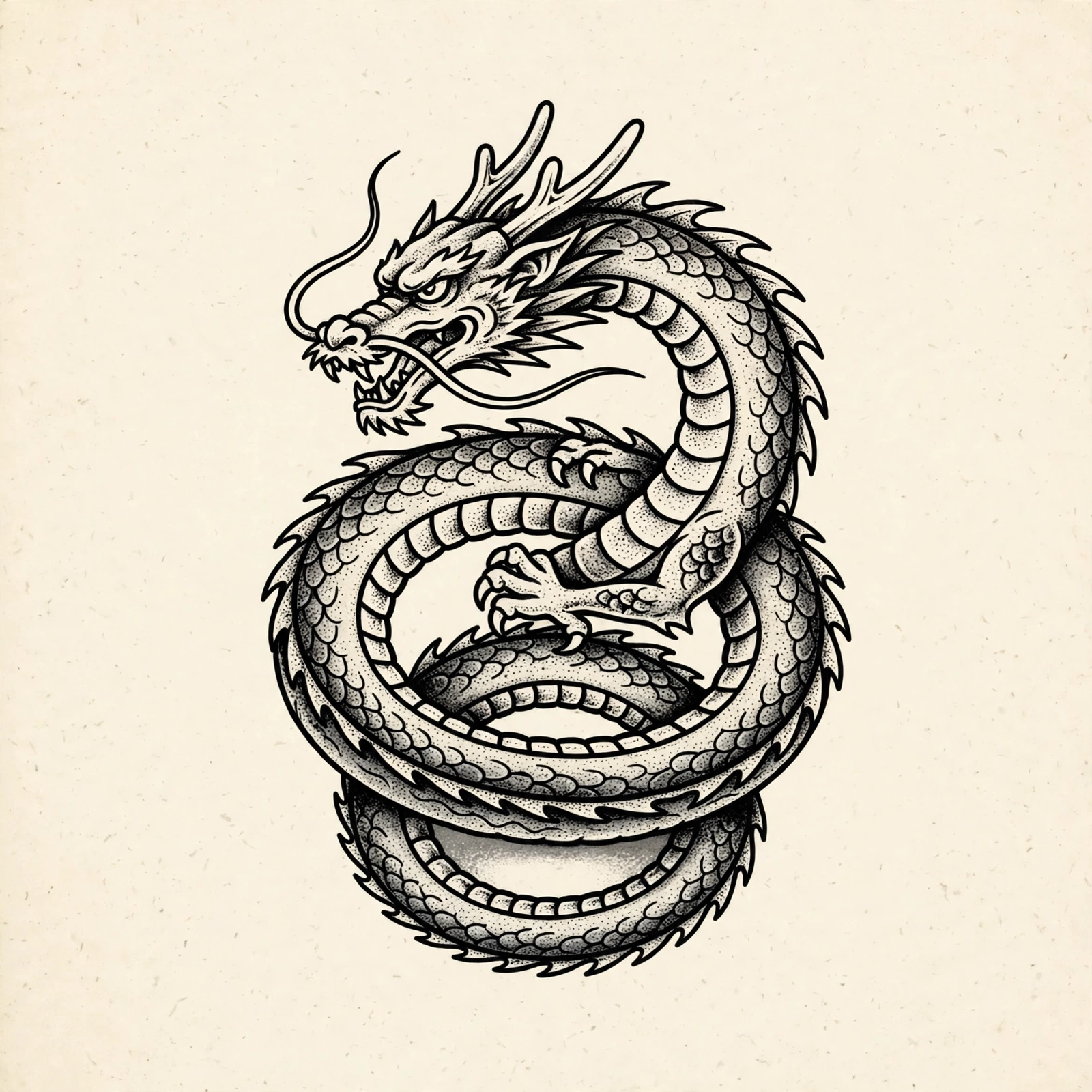
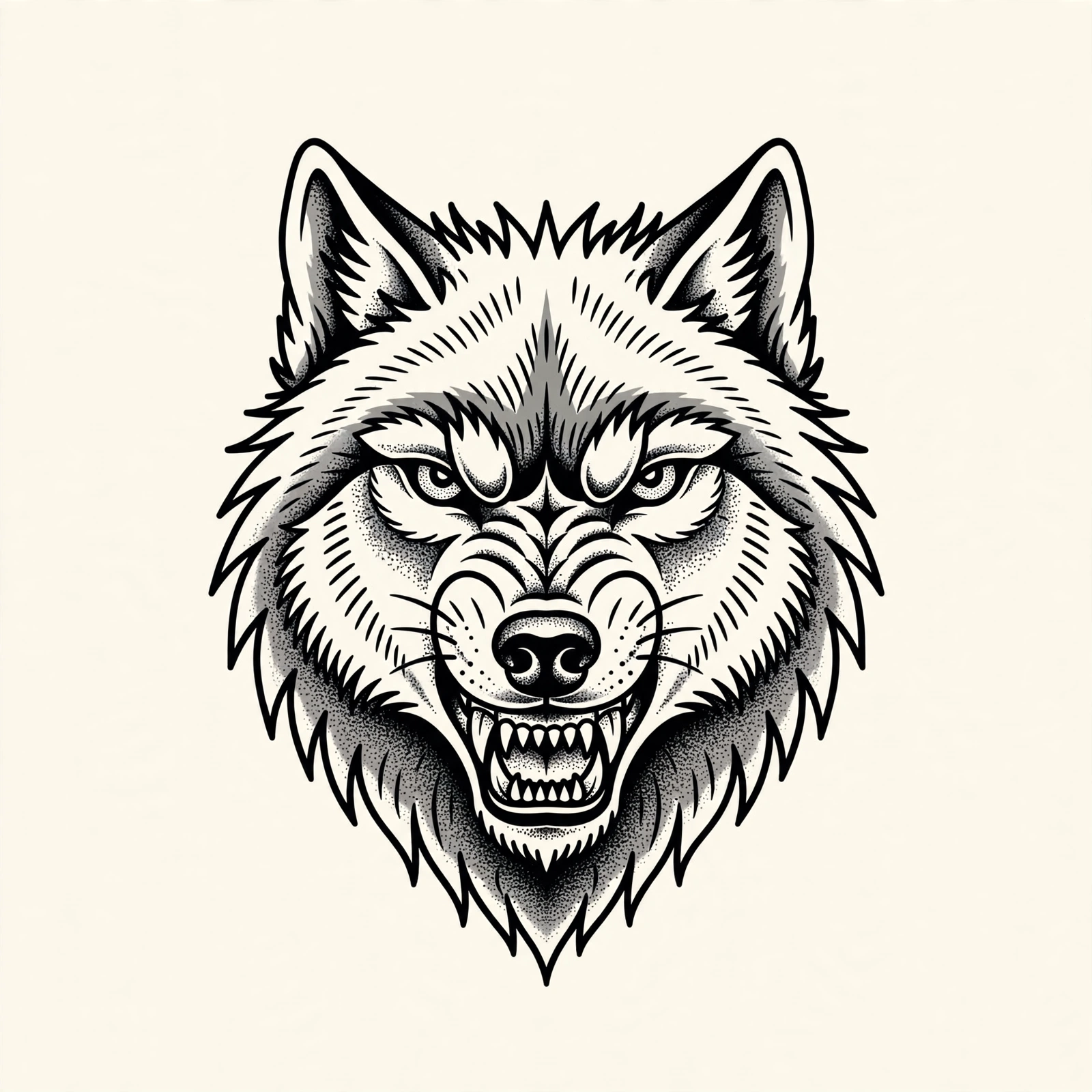
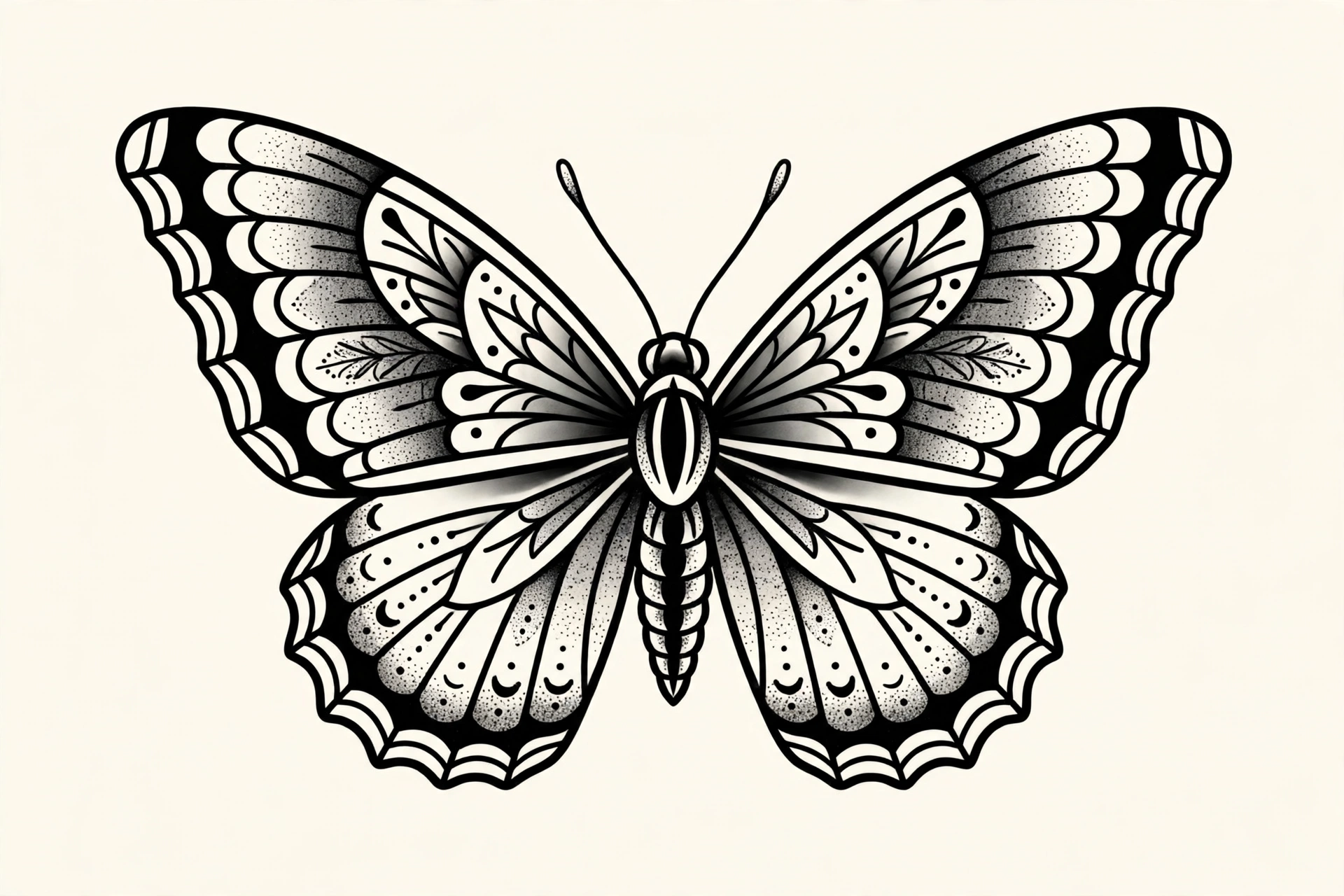
Prefer clean artwork over photos? These original flash designs sit on a plain sheet, ready to take to an artist or remix with the generator above.
Inspiration Discovery
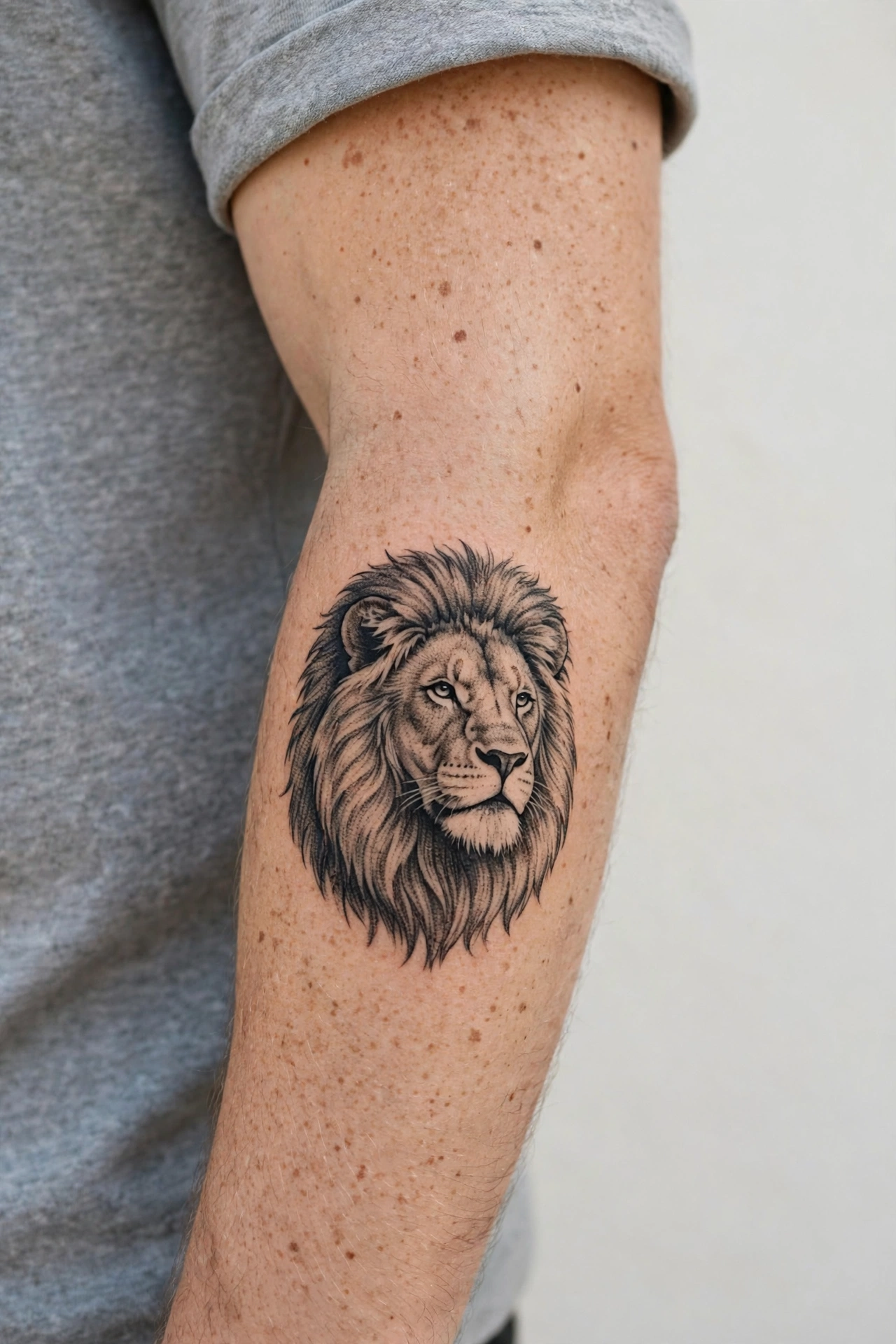
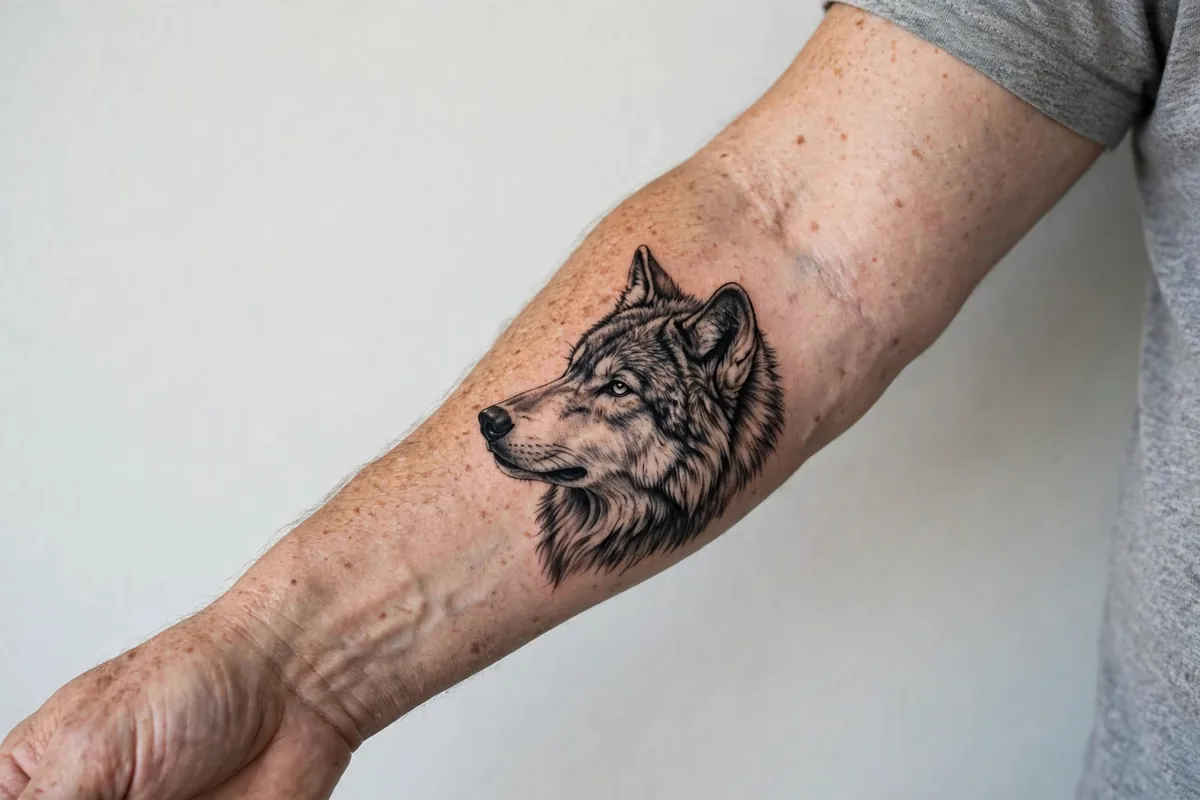
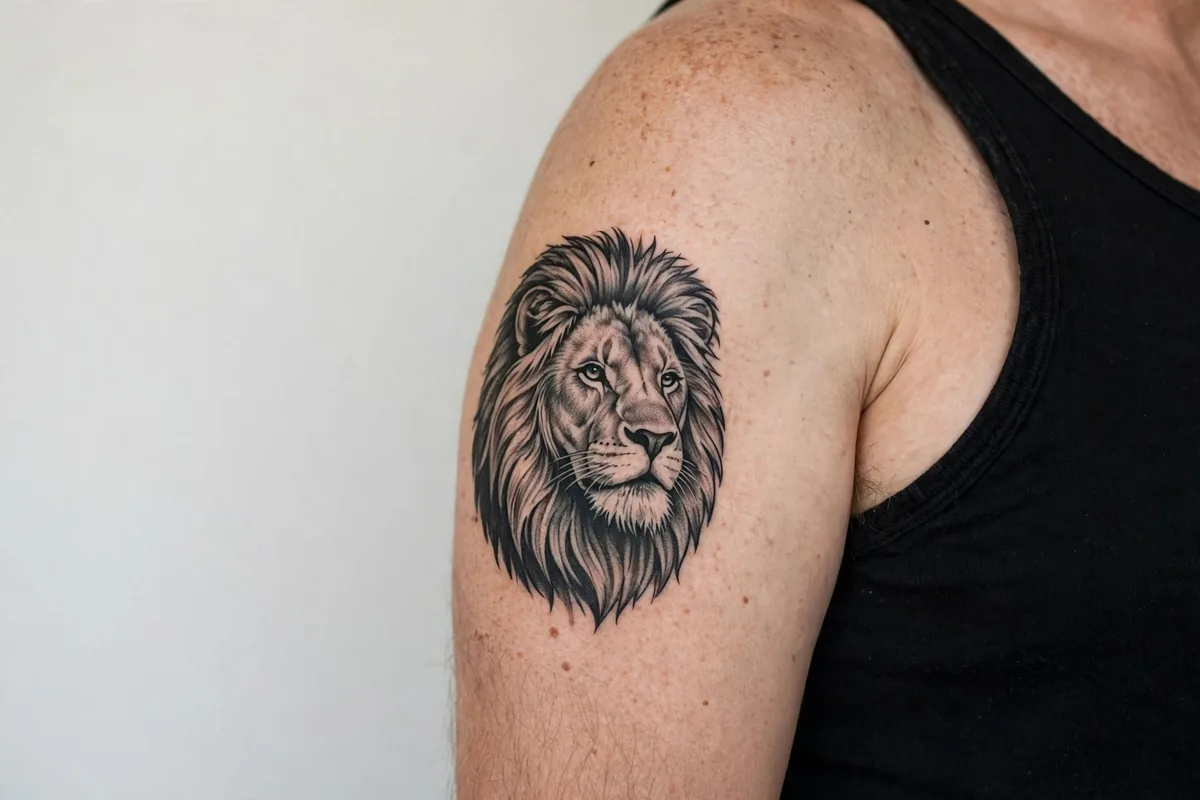
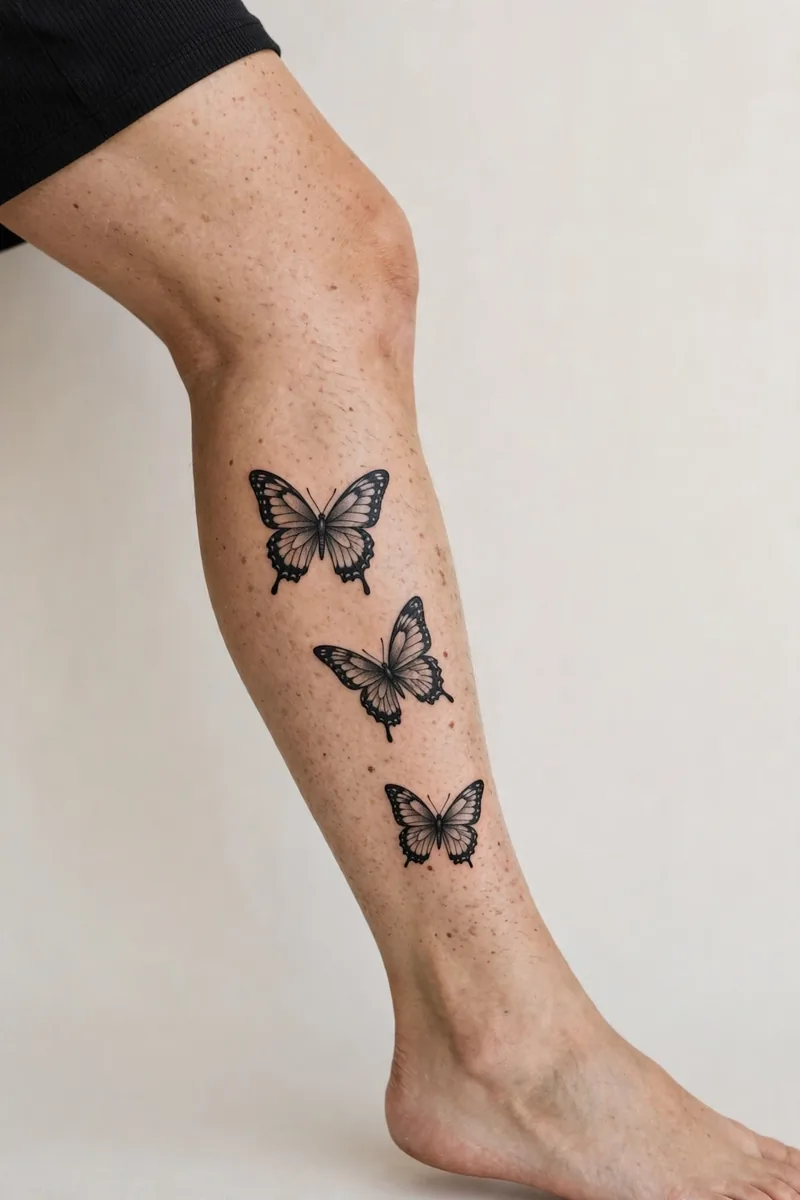
Real designs on real skin from the TattooGen library. Open any subject in the ideas library to read its meaning and generate your own version.
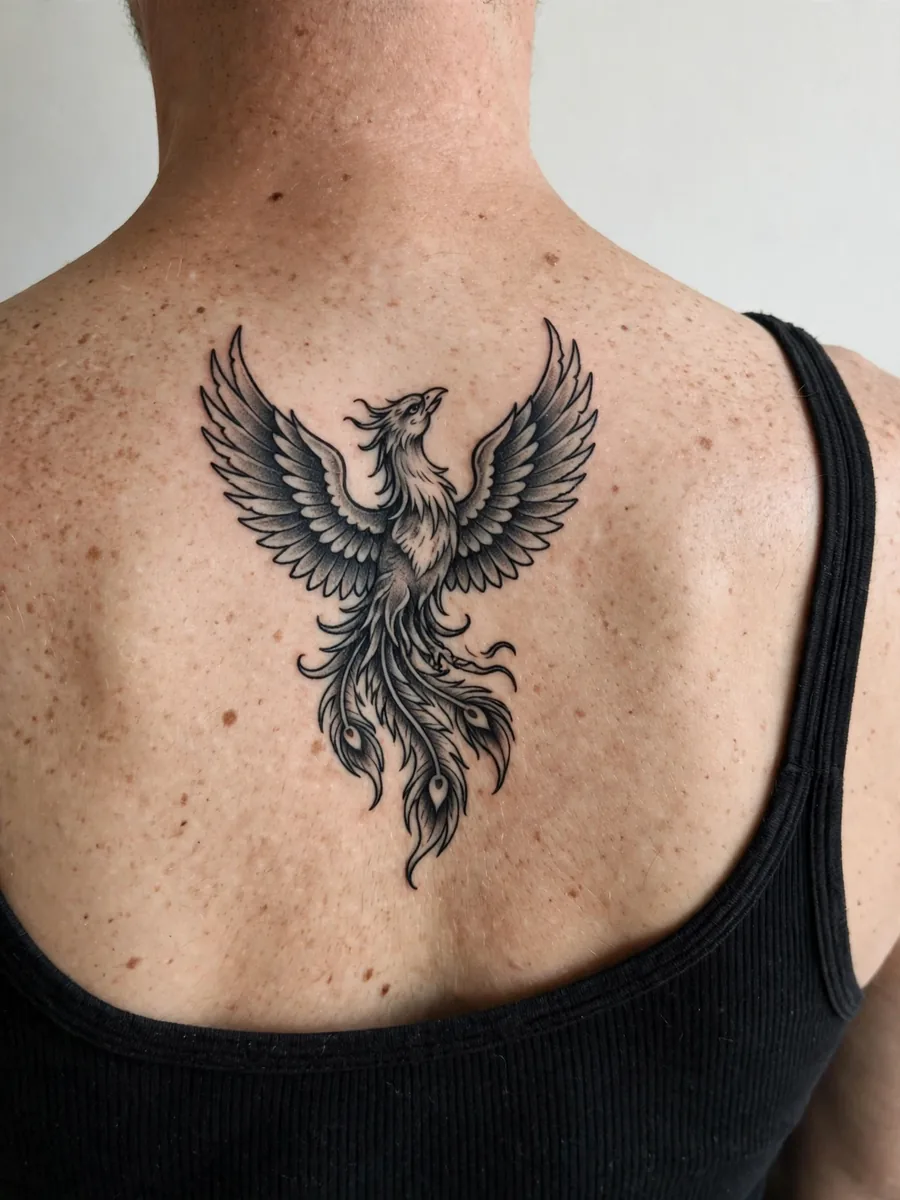
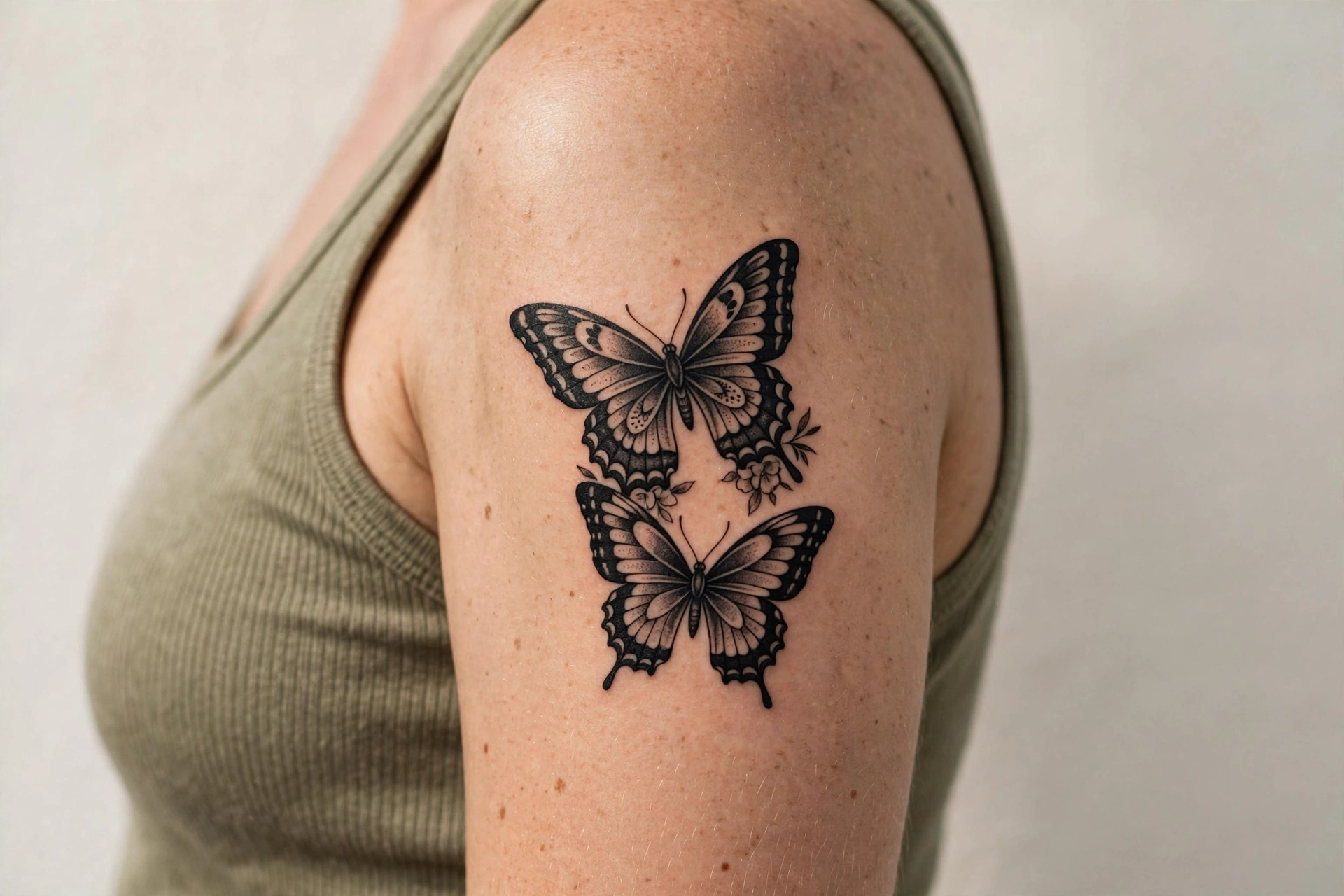
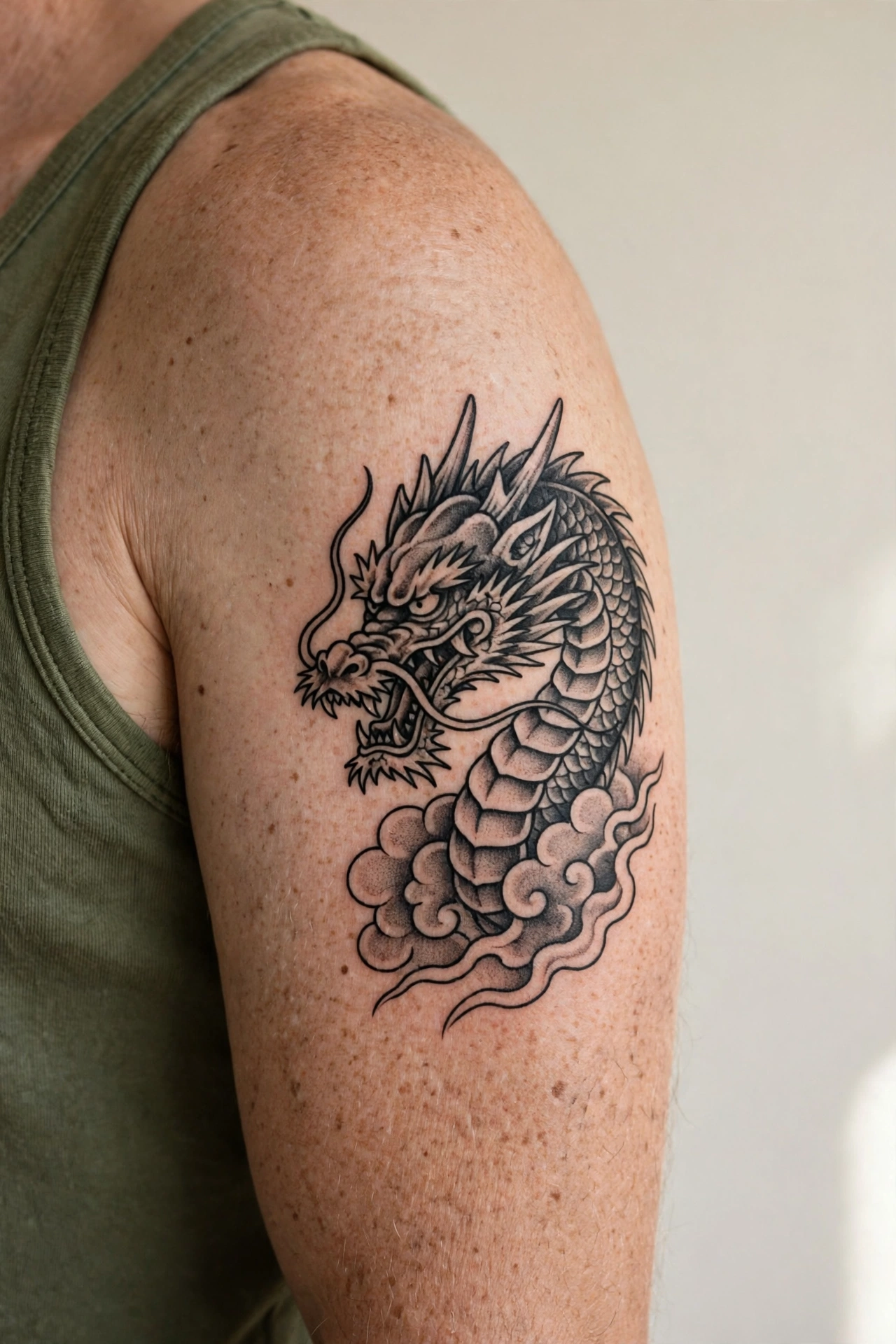
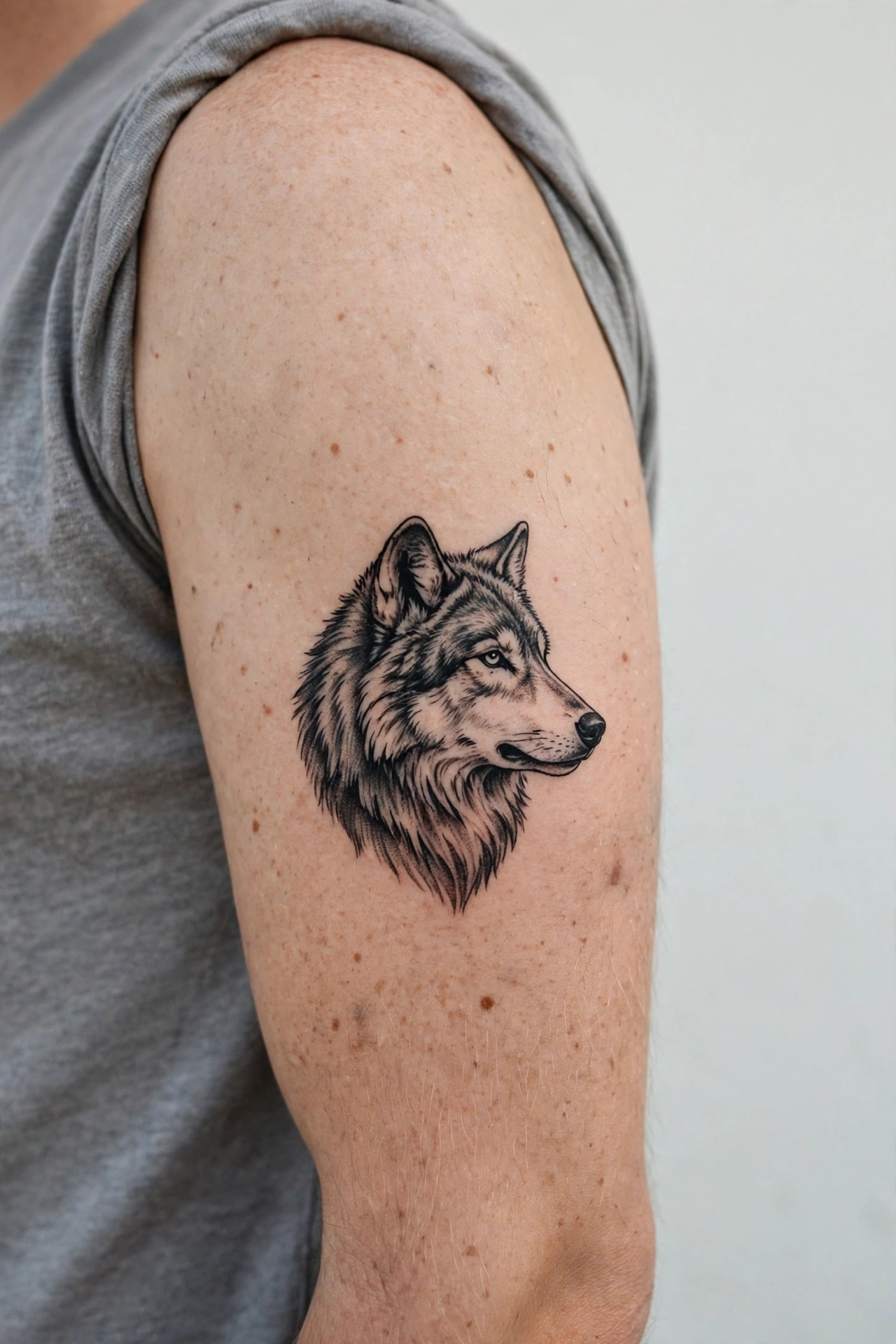
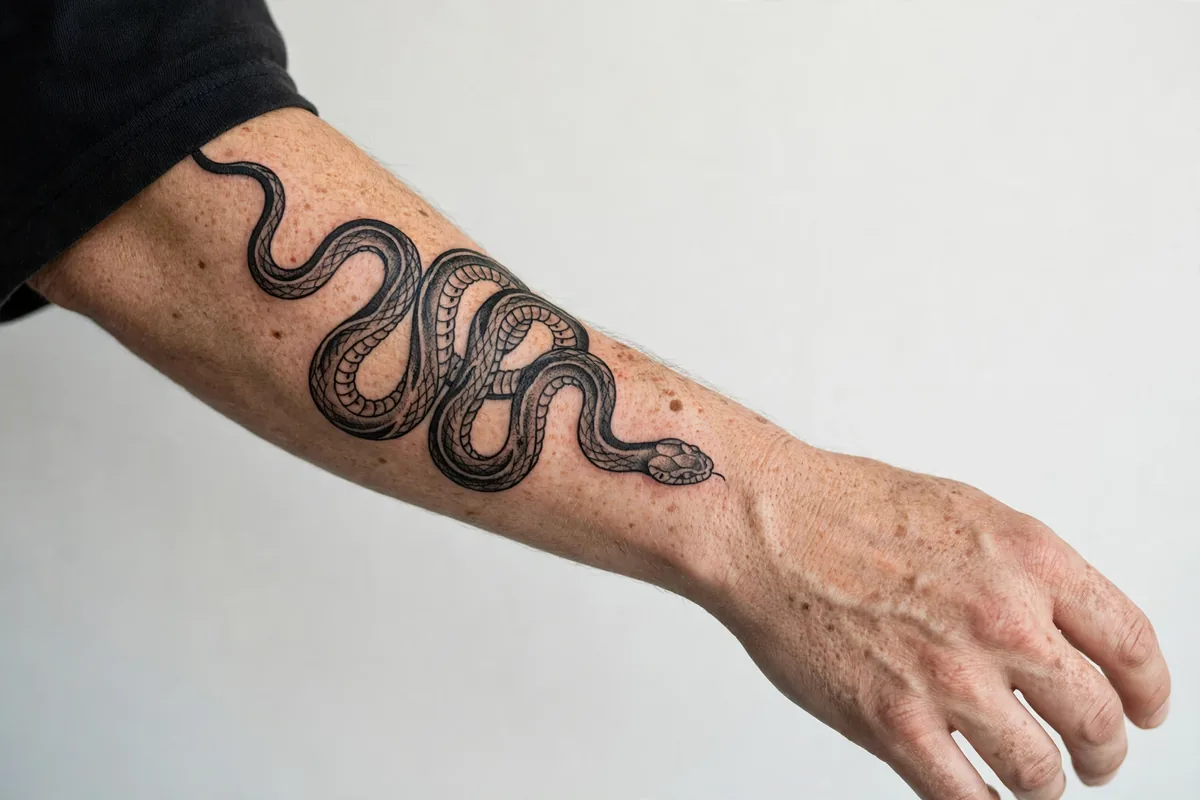
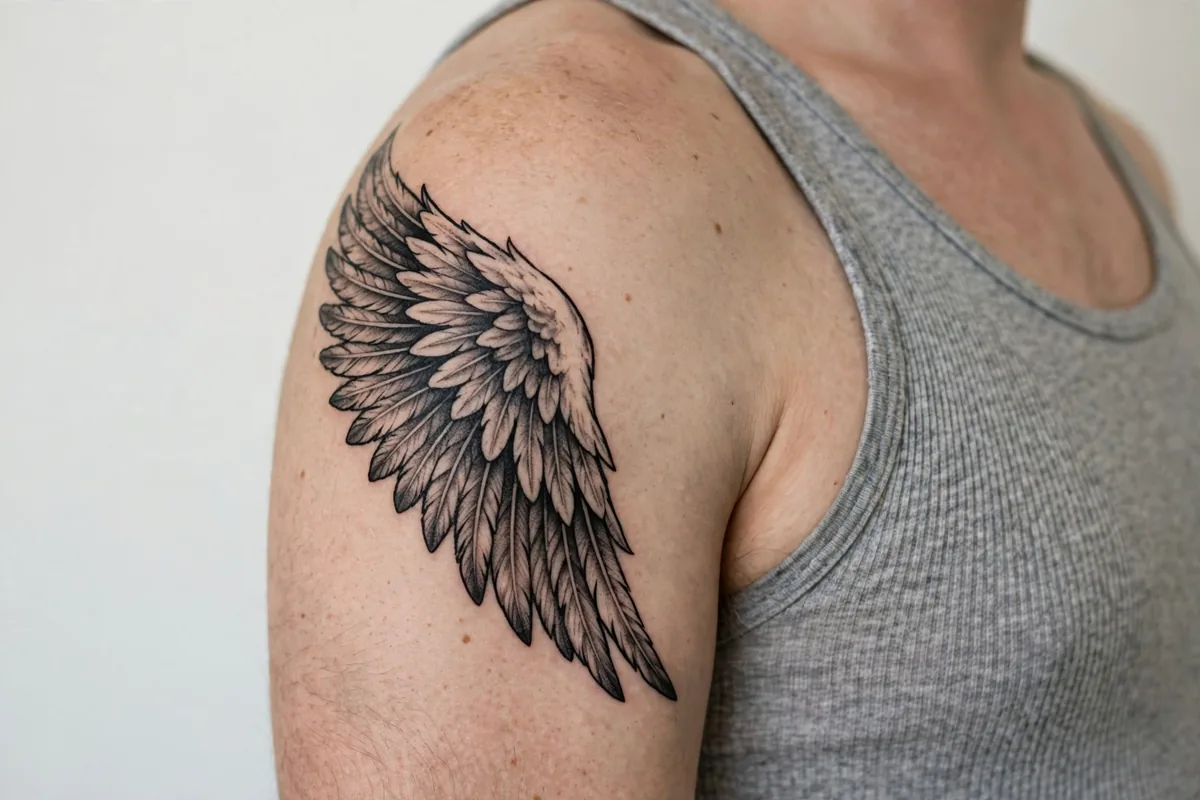
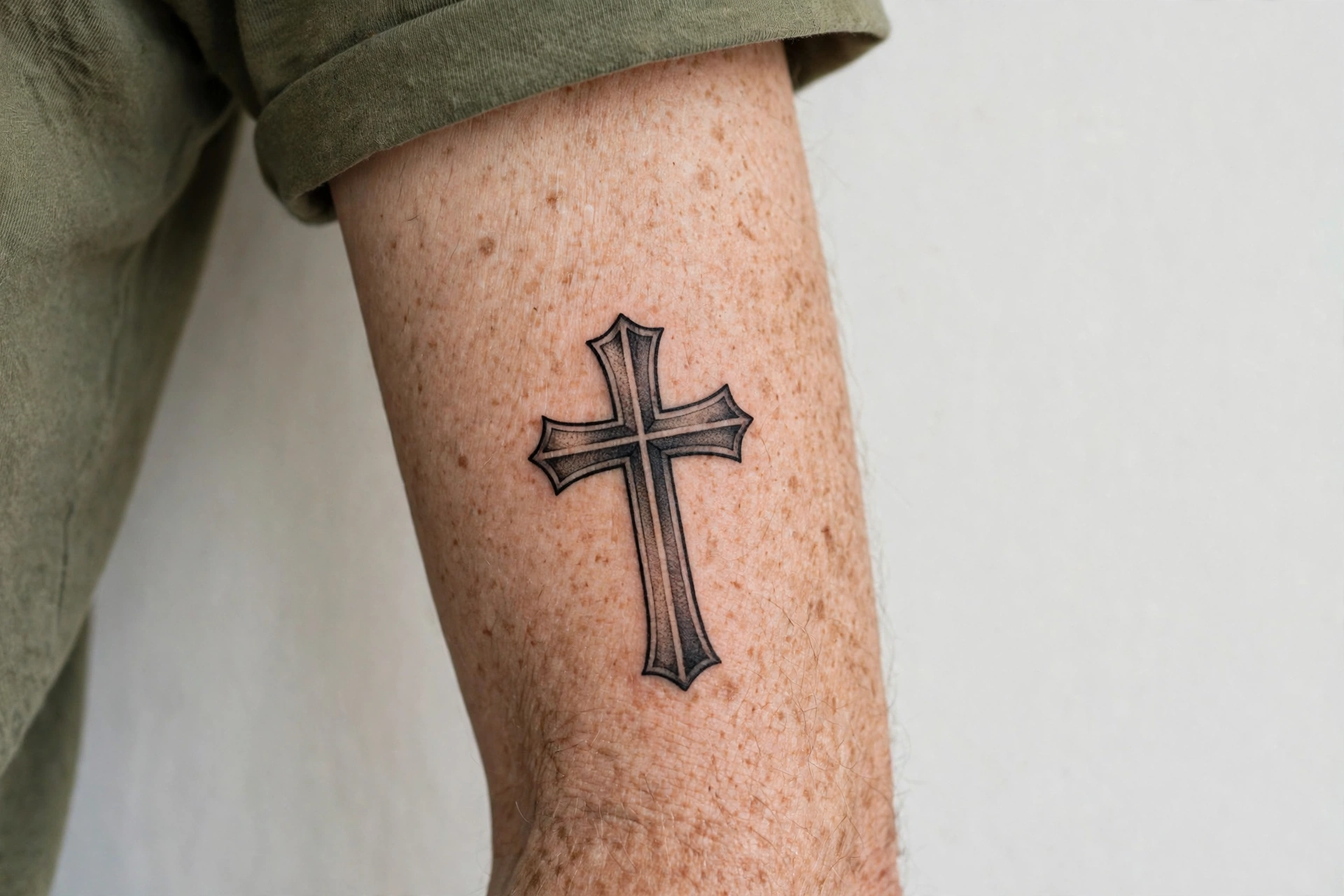
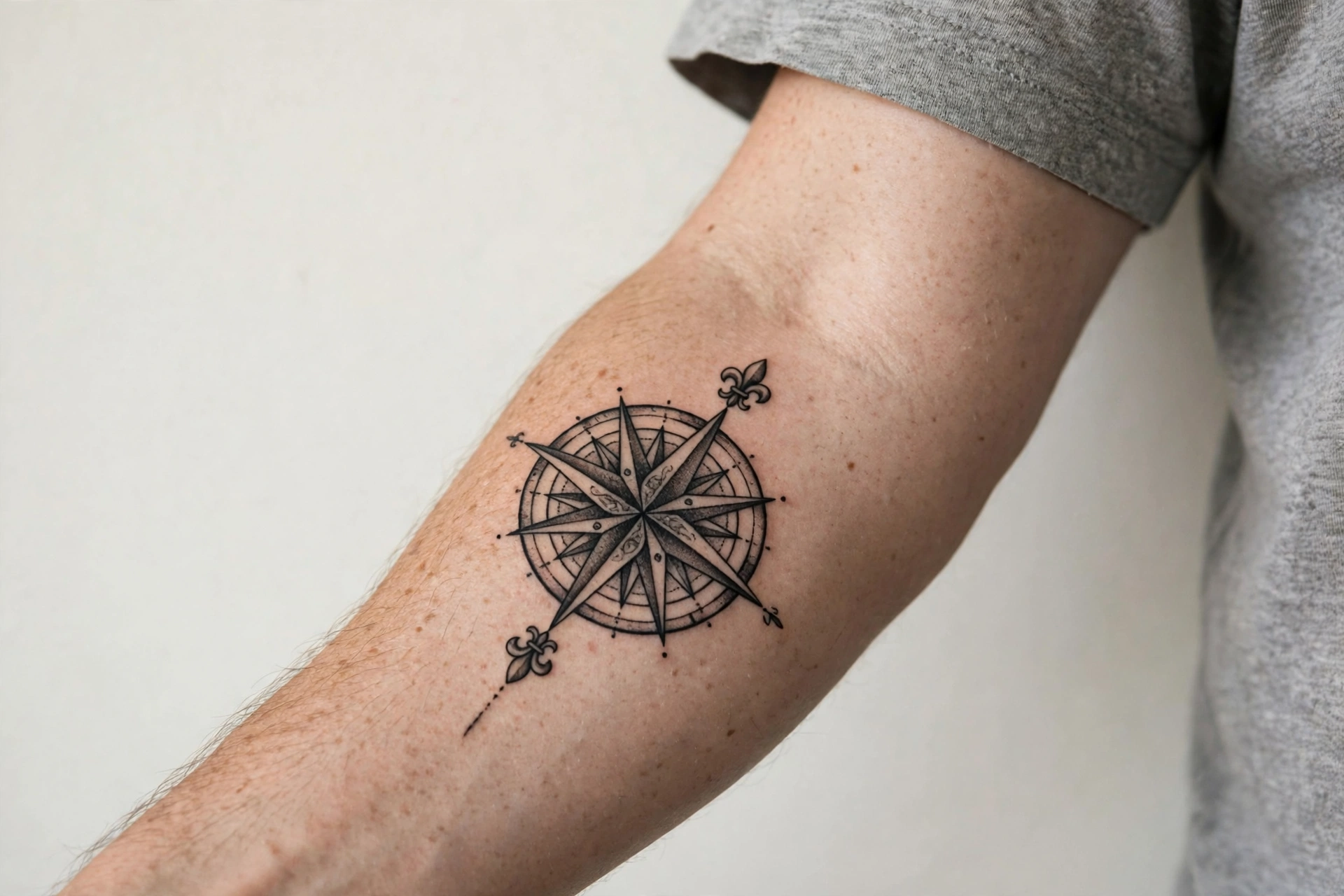
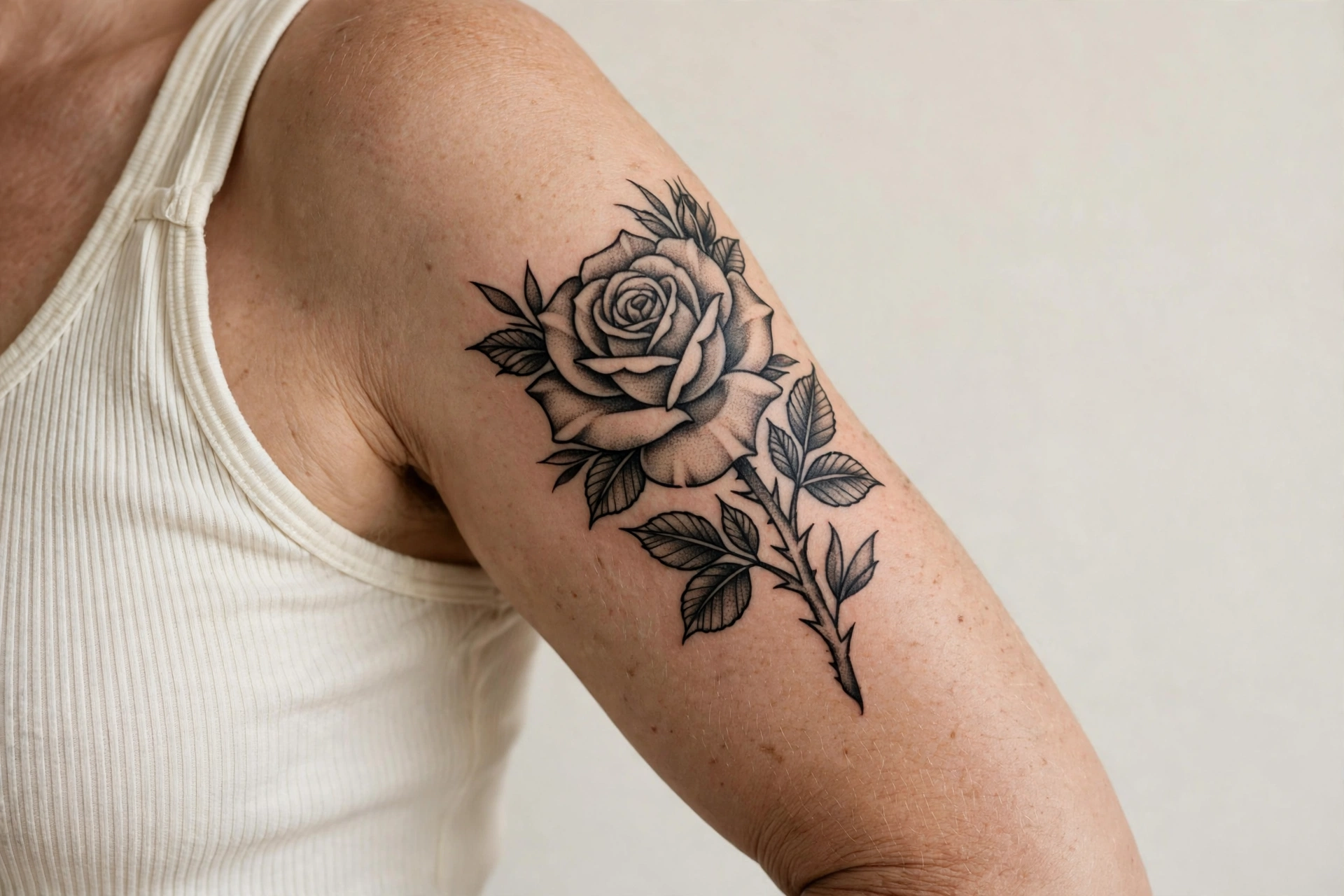
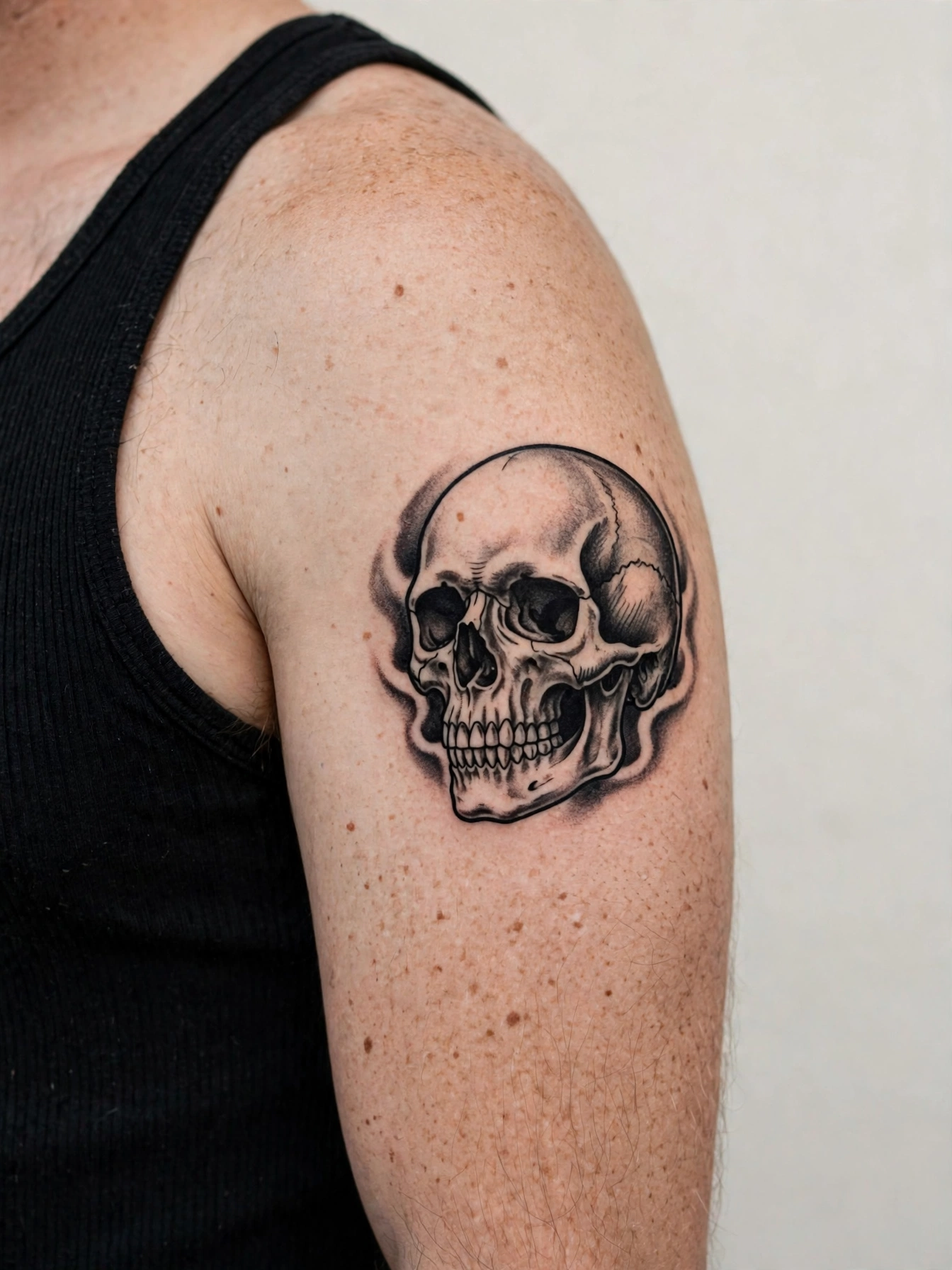
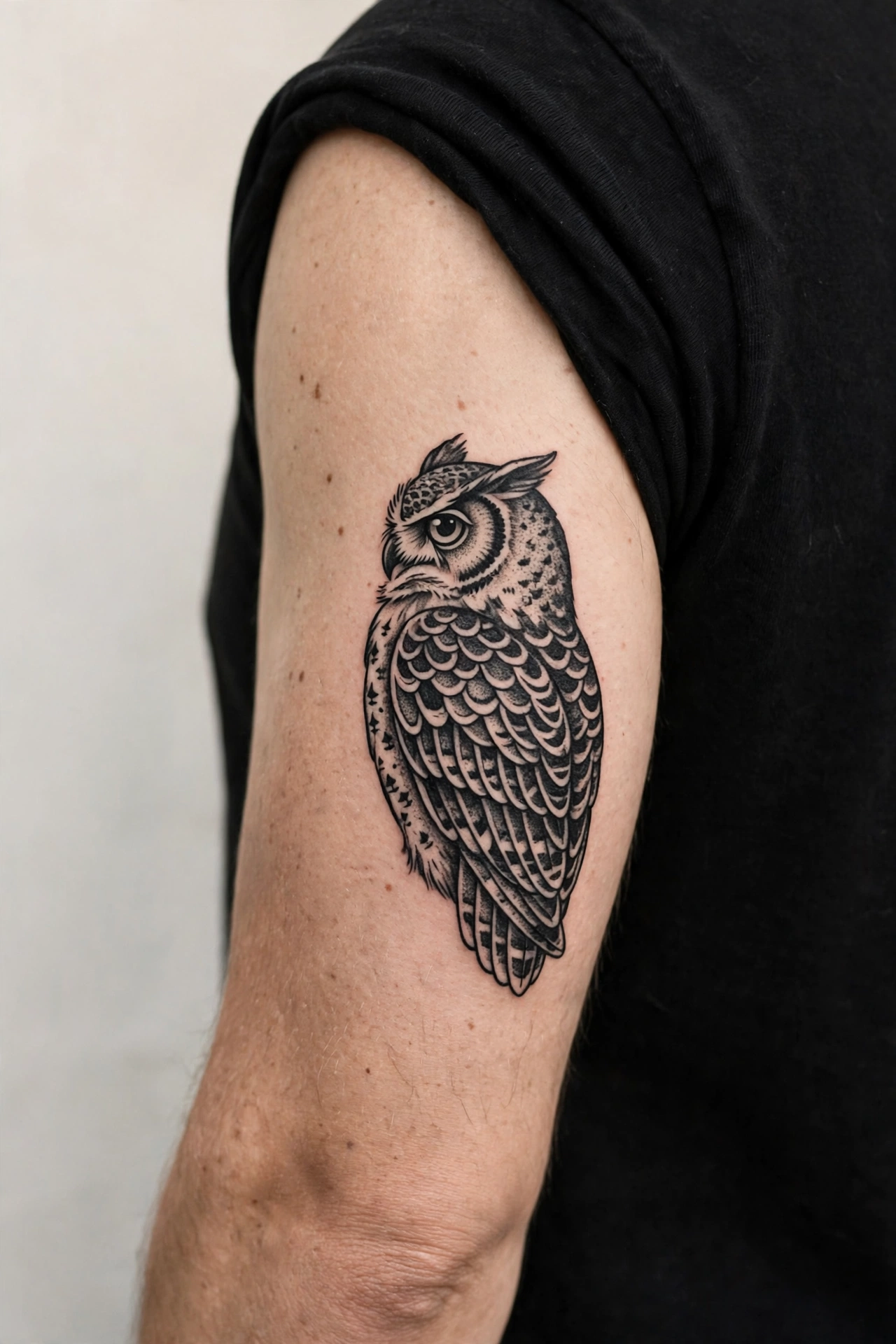
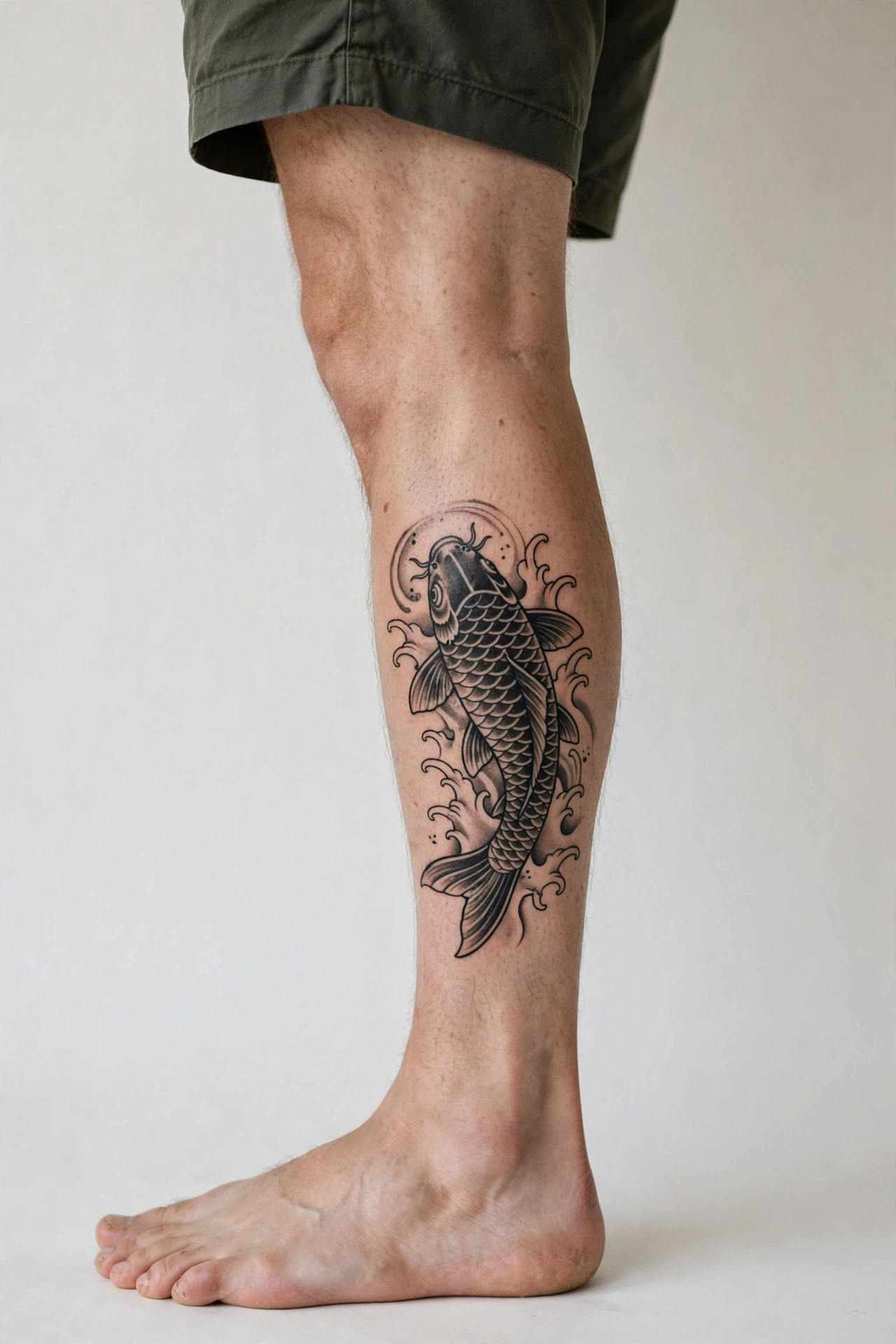
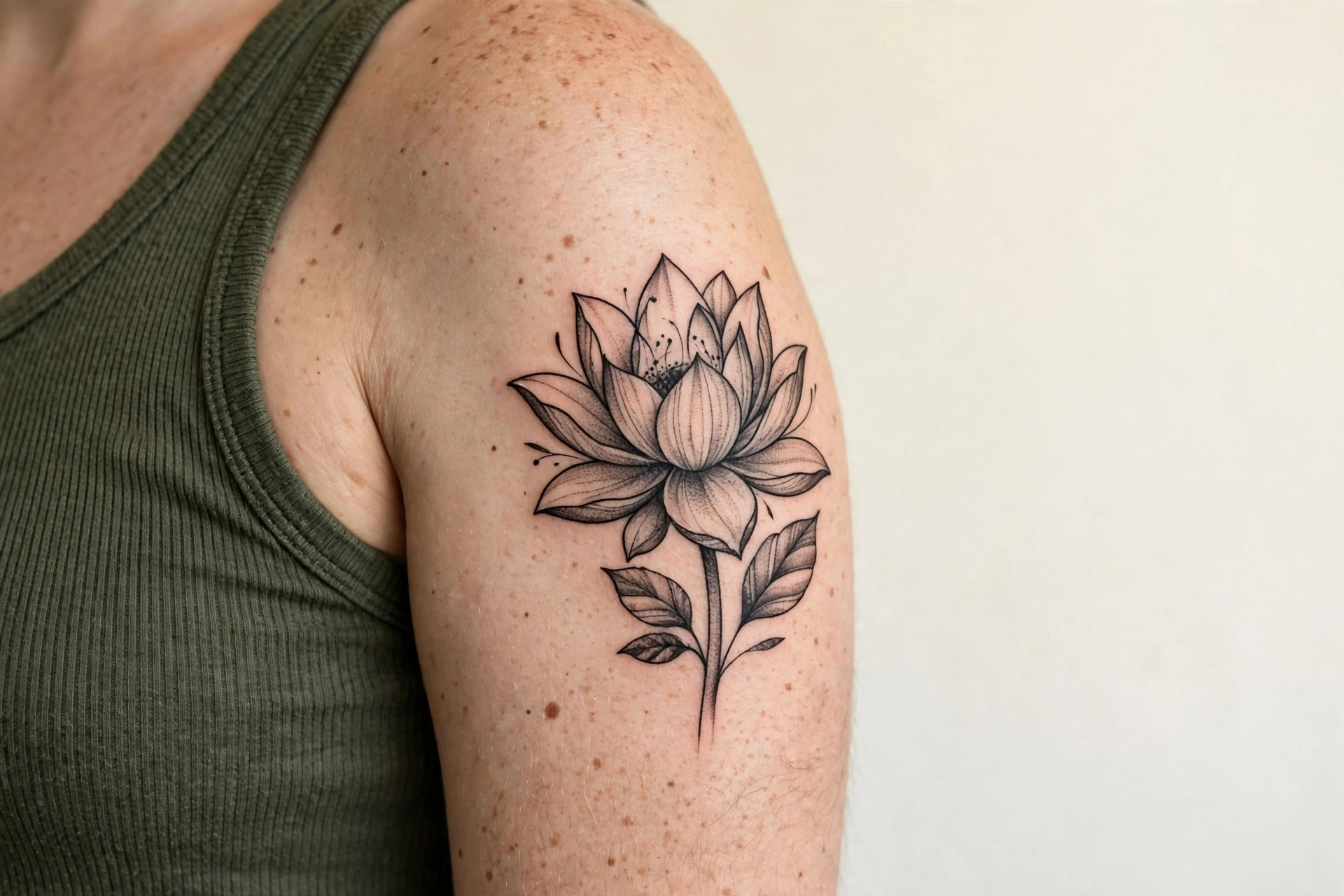
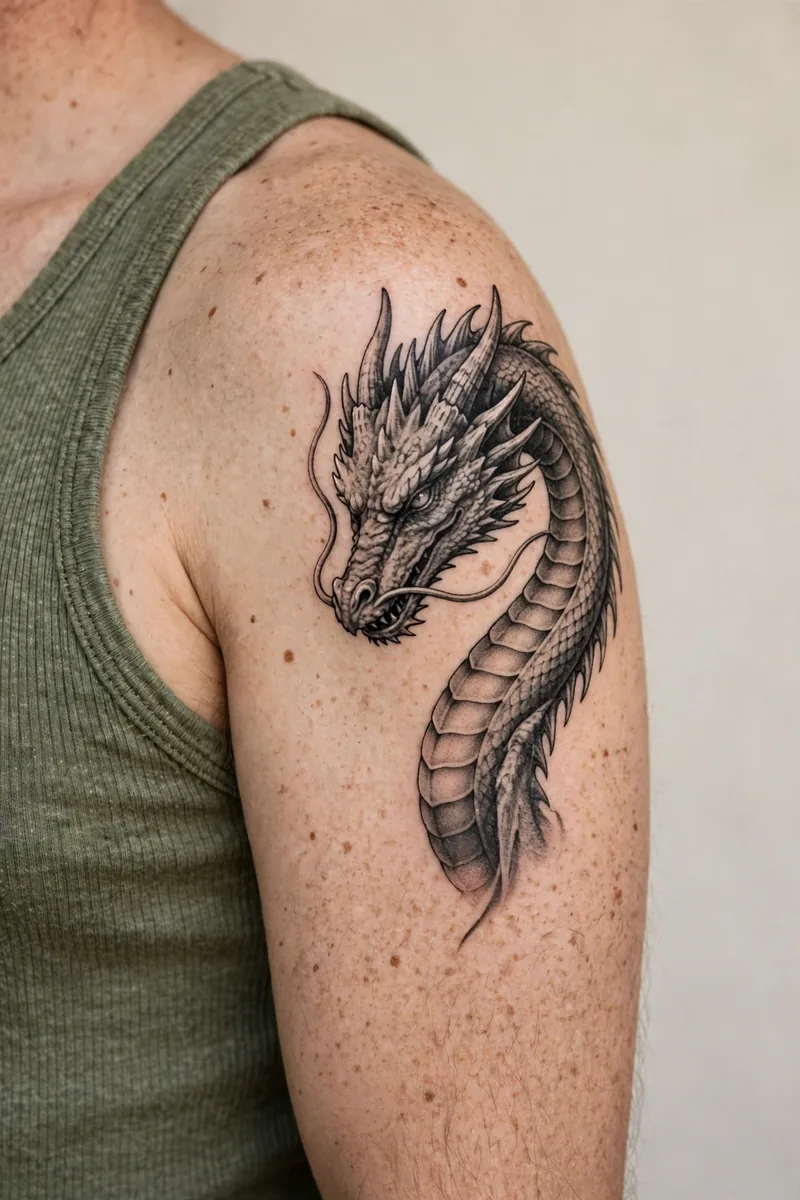
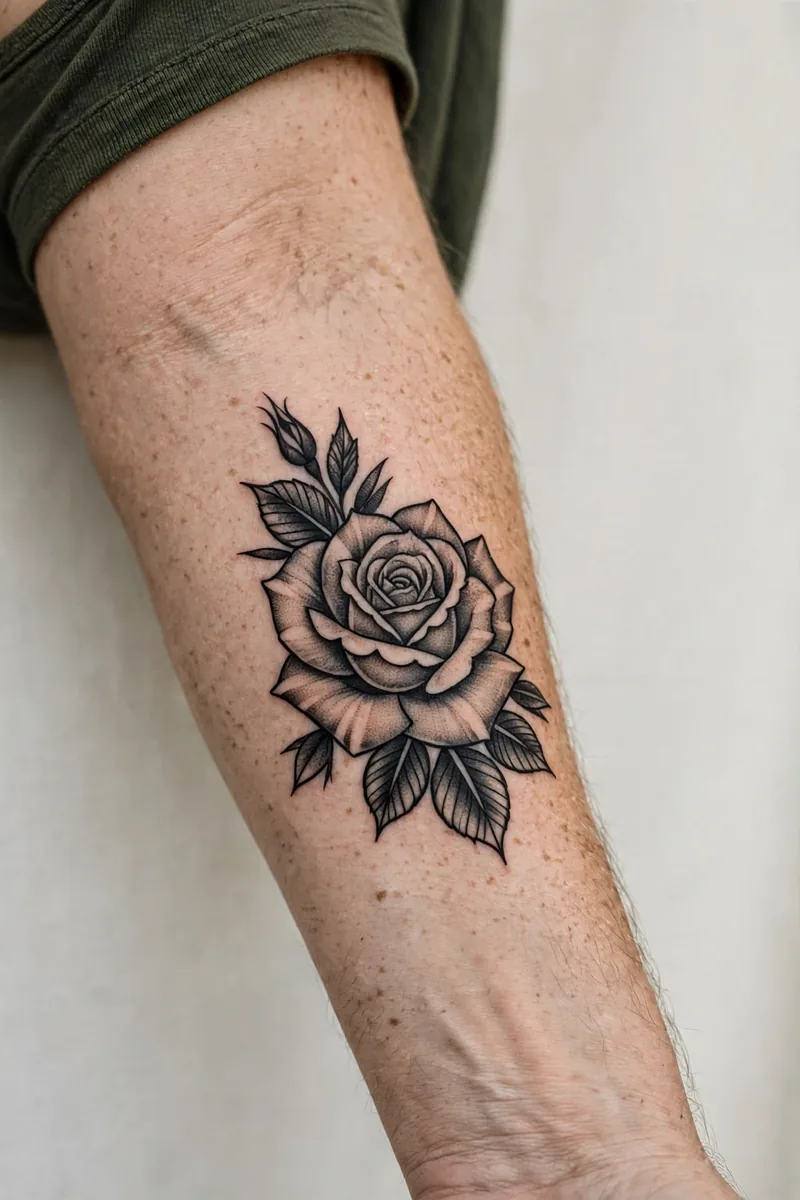
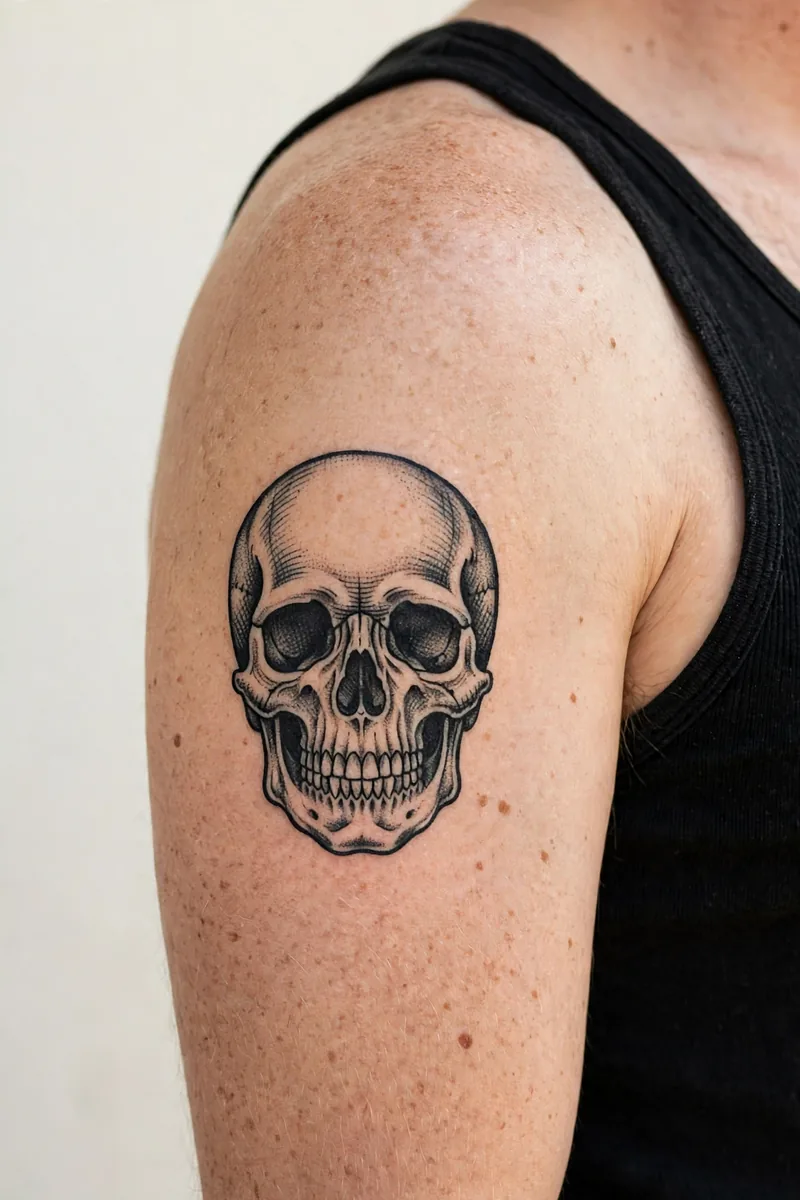
Turn Your Ideas into Tattoo Designs with AI
Describe the tattoo in your head. It might be a meaningful memory, a symbolic image, or a phrase that has stayed with you for years. The generator turns that description into a unique design in seconds. The quality of the result follows the quality of the brief, so take a moment with your prompt: name the subject first, then the mood, then the level of detail. A prompt like a calm lion, full mane, eyes forward, medium detail will always beat a single word.
Style changes everything. The same rose reads as bold and classic in traditional old school, soft and modern in watercolor, and quiet and personal in fine line. This generator covers 28 styles, so you can hold the subject constant and explore how each style changes the feeling. Already have a reference photo? You can convert a photo into a tattoo study instead. When a design starts to feel right, preview it with the tattoo try on tool, then turn it into a stencil with the stencil maker for your artist.
Tattoo Styles You Can Create
Why Choose This AI Tattoo Generator
Fast and Easy
Designs in seconds, with no drawing skill and no sign up to start.
Diverse Styles
28 styles in one tool, so comparisons happen in minutes, not weeks.
Easy to Customize
Change elements, detail and direction with plain words.
Artist Ready Workflow
Try on, stencil and cost tools sit beside the generator, not in another app.
Honest Pricing
Free tokens every month to judge the quality yourself before any plan is offered.
Private by Default
Try on and stencil tools run in your browser. Your body photos are not uploaded in this demo.
Frequently Asked Questions
How does the AI tattoo generator work?
It turns your text description into tattoo design concepts. Add the subject, the mood, the style and the placement for the most accurate result. If you already have a reference photo, the photo-to-tattoo tool turns it into a study first.
Can I use the generated designs commercially?
Designs you create are yours to use for personal tattooing. If you plan to sell artwork commercially, check the plan terms at launch and make sure any reference images you upload are yours to use.
Do I need to be a designer to use this?
No. The tool is built for first timers as much as for artists. If you can describe the tattoo in a sentence, you can generate a design.
What tattoo styles does the generator support?
Minimalist, blackwork, realism, Japanese, neo traditional, dotwork, watercolor, trash polka, tribal, fine line, geometric and many more. Styles can be mixed in one prompt.
Can I download the design in high quality?
Generated designs download at web resolution for free. High resolution downloads open with Pro at launch, suitable for printing and for your artist.
Should I tattoo an AI design exactly as generated?
Treat it as a strong concept. A good artist will adjust line weight, spacing and detail so the tattoo ages well on real skin.
Turn Ideas into Ink
Describe any tattoo in plain words and watch it become a design, then preview it on a real body and export a stencil for your artist.
Start Designing Free