Image to Tattoo Converter
Turn any photo or sketch into a tattoo study. Upload your image and preview tattoo looks instantly.
Your image stays in your browser. Nothing is uploaded to a server in this demo.
Use the converted study as a brief for the generator or your artist. Fine shading and color separation come with the live AI model at launch.
How Photo to Tattoo Conversion Works
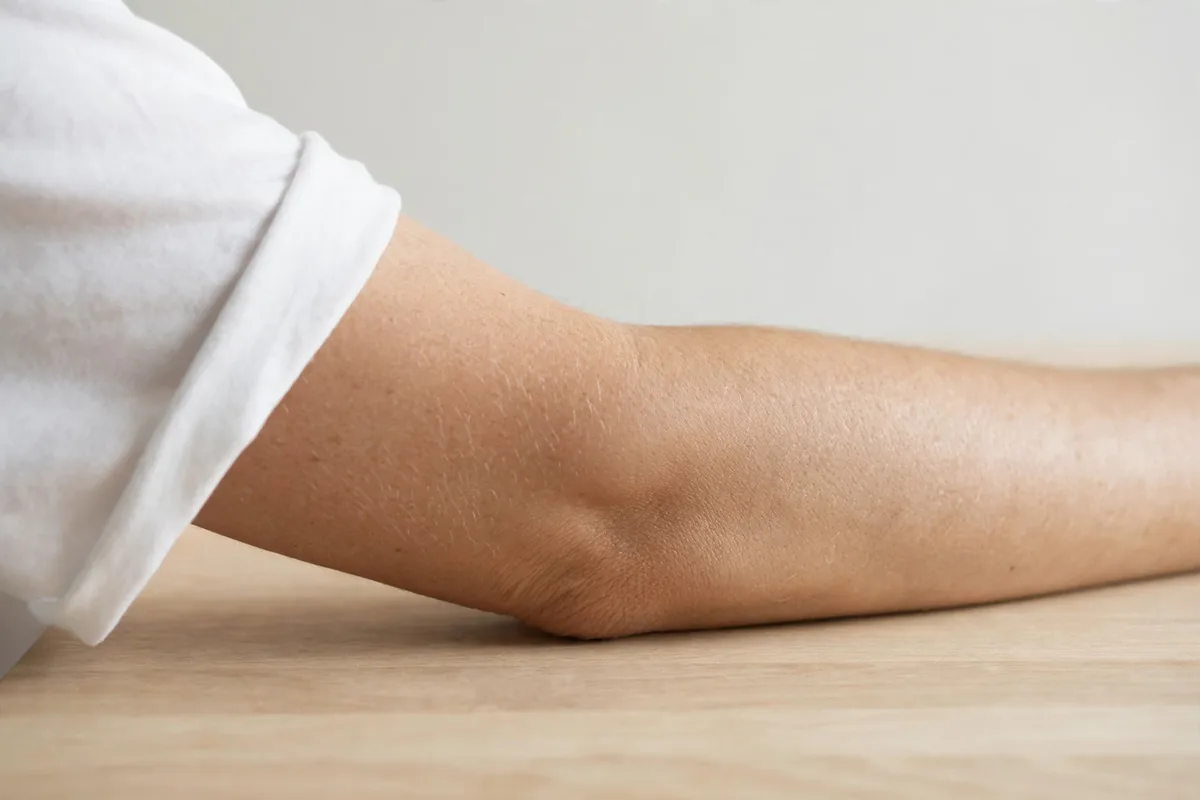
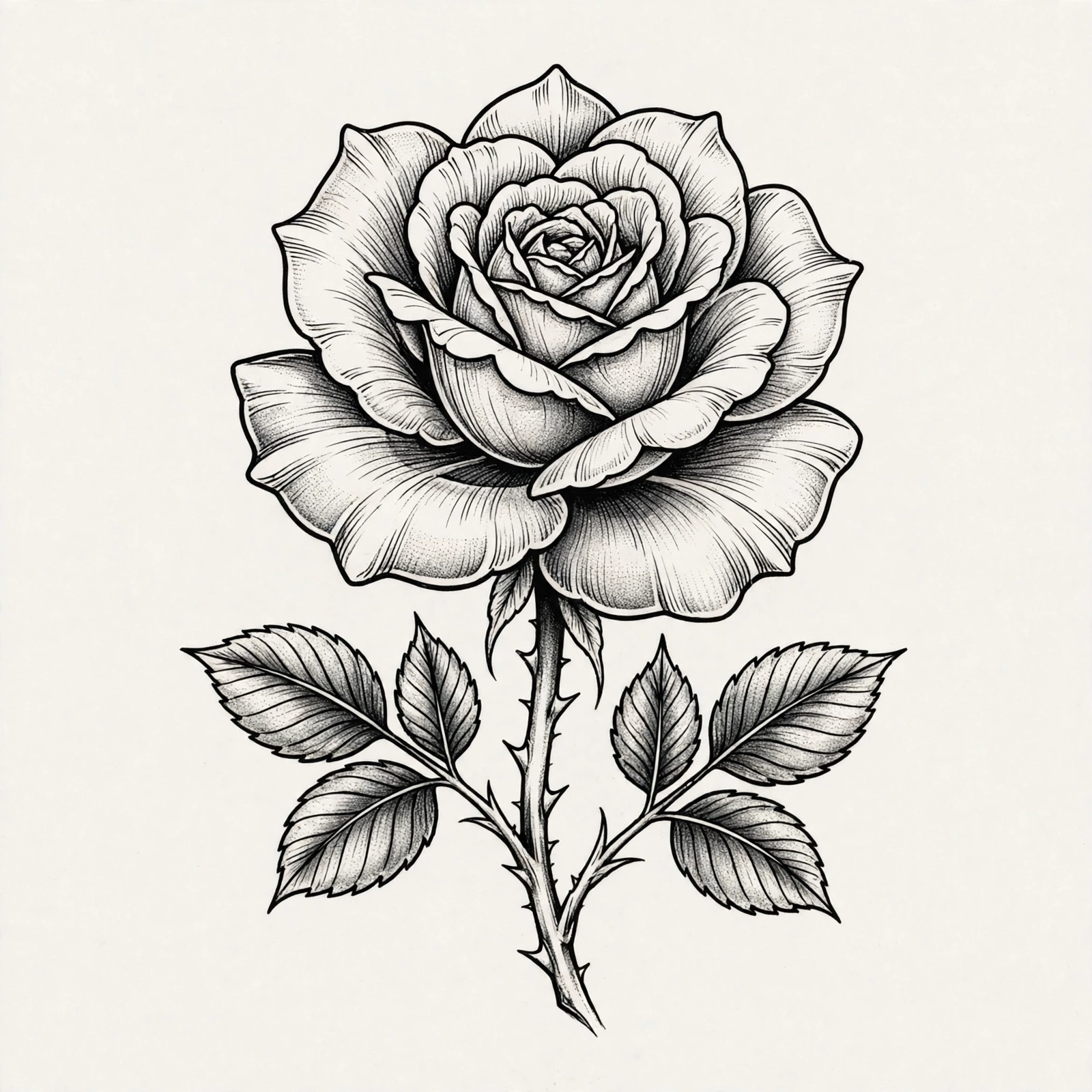
Photos and tattoos speak different languages. A photo has soft light, color gradients and background detail. A tattoo needs clear shapes, honest contrast and lines that hold in skin. Conversion is the translation step: simplify the image, strengthen the edges, drop the background noise, and find the version of the picture that a needle can actually carry.
Pet photos are the most loved starting point, followed by flowers, handwriting, houses and landscapes from meaningful places. Upload yours above and try the study looks. Clean Line Study suits fine line pieces. Bold Blackwork suits graphic, high contrast designs. Soft Sketch keeps a gentle, drawn feeling for floral and portrait concepts.
Take the converted study to the generator to restyle it, or straight to your artist as a brief. Be honest about size: a detailed photo needs a larger tattoo. Your artist may simplify further, and that simplification is what makes the tattoo last.
Tattoo Extraction Tool
Extraction is the reverse job. Instead of putting a design onto skin, it pulls a design off it. If you have a photo of a tattoo you love, your own older piece, a flash sheet photo, or a design wrapped around someone else's arm, extraction isolates the artwork from the skin, background and photo noise so you can reuse it as a clean starting point.
Use the converter above on the photo and choose the Bold Blackwork or Clean Line Study look. The high contrast result separates the design from the skin tones around it, which is the first step an artist takes when rebuilding a piece from a photo. Curved placements distort artwork, a forearm piece photographed at an angle will never extract perfectly flat, so treat the result as a brief: your artist corrects the proportions for your body. Extracted designs belong to their original artists in spirit, use them as inspiration and reference, and let your artist redraw the final version.
Frequently Asked Questions
Is my image uploaded to a server?
No. In this demo the conversion previews run in your browser with CSS filters. Your image is not sent anywhere.
What photos convert best?
Clear subjects, good light and a simple background convert best. Blurry or very dark photos lose detail.
Can I convert a drawing or sketch?
Yes. Sketches convert especially well because they already speak in lines.
Will the converted image be my final tattoo?
It is a study and brief. Your artist redraws and adapts it for your body and for how ink ages.
Turn Ideas into Ink
Describe any tattoo in plain words and watch it become a design, then preview it on a real body and export a stencil for your artist.
Start Designing Free