Tattoo Try On: See It On Your Body First
Start from one of our real body preset photos, or upload your own. Place your design, blend it into the skin, and see how the tattoo looks before you commit.
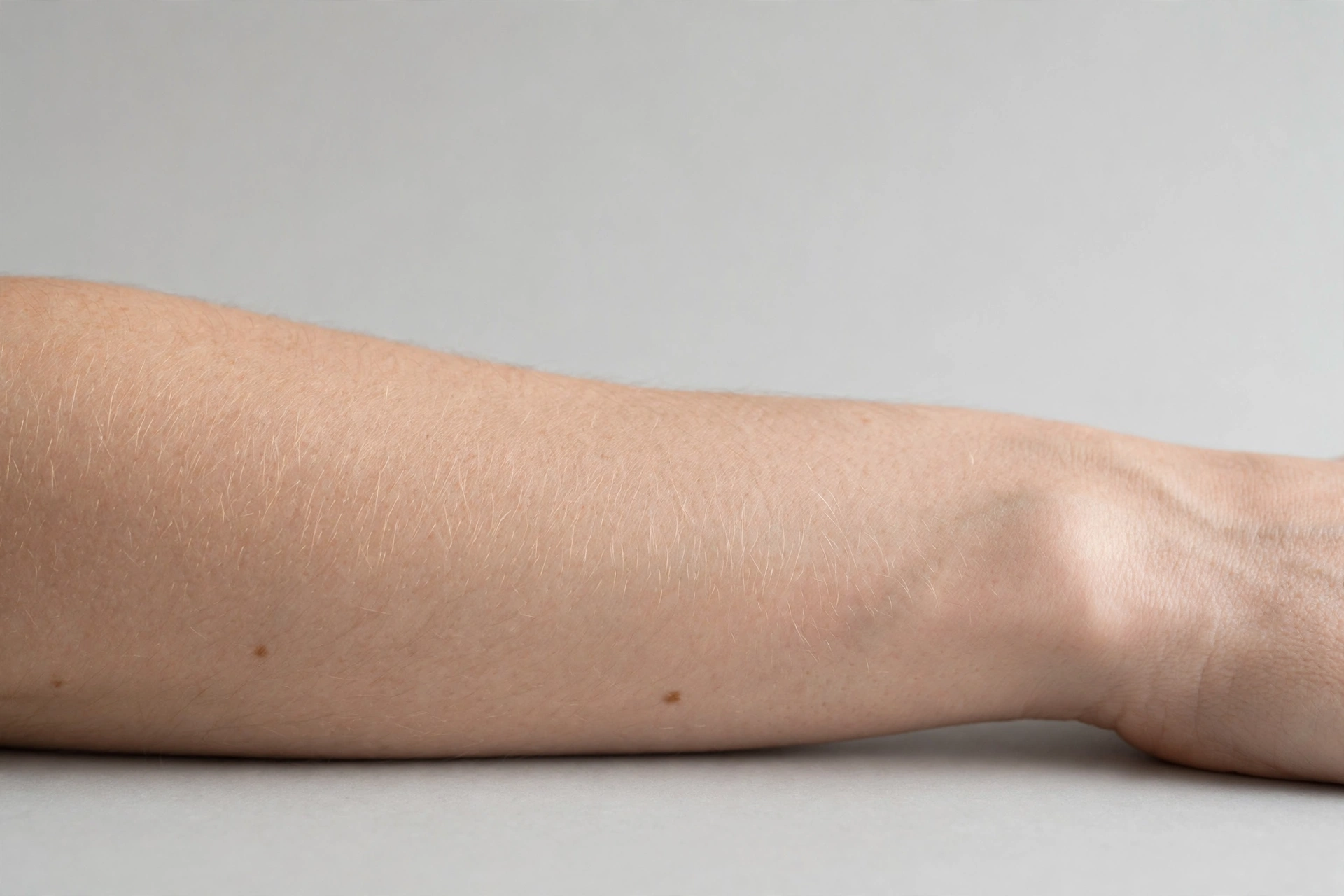
A 2D preview is a planning aid, not a promise. Skin curves, stretches and heals, and your artist makes the final call on size and placement. Everything runs in your browser, your photos are not uploaded.
Preview Any Design in Three Steps
No app to install and nothing to upload. The whole preview happens on this page, in your browser.
Pick a body photo
Start from one of our real body preset photos, or upload a clear photo of your own arm, leg, back or shoulder in good light.
Place your design
Choose a sample design or one you generated to add it as a layer, then drag it on the photo to move it to the exact spot you are considering — or fine-tune it with the size and position sliders, and its handles to resize and rotate.
Adjust and export
Fine tune size, rotation, opacity and mirror flip until it feels like yours, then export the preview as an image for your artist.
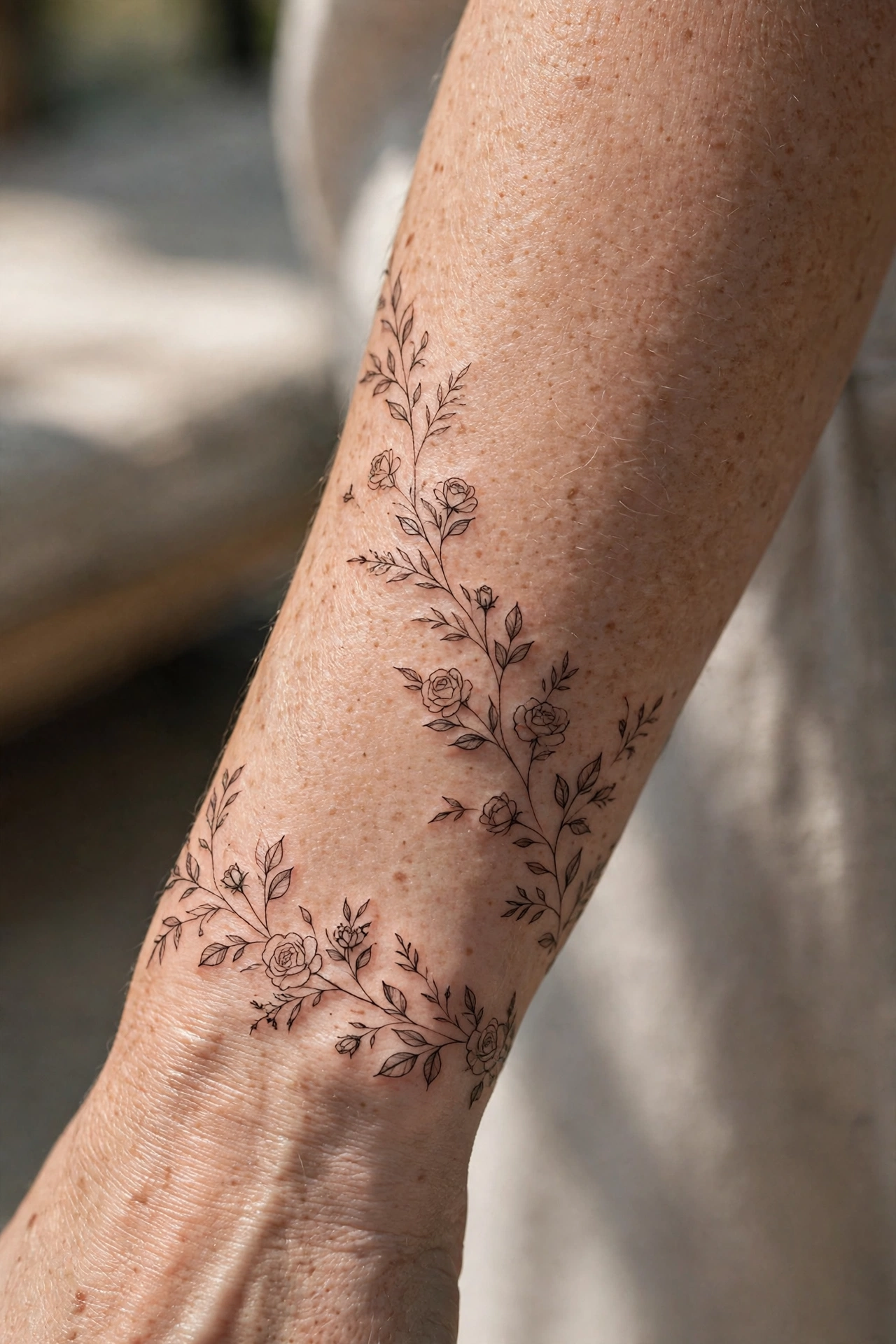 Try-On Active
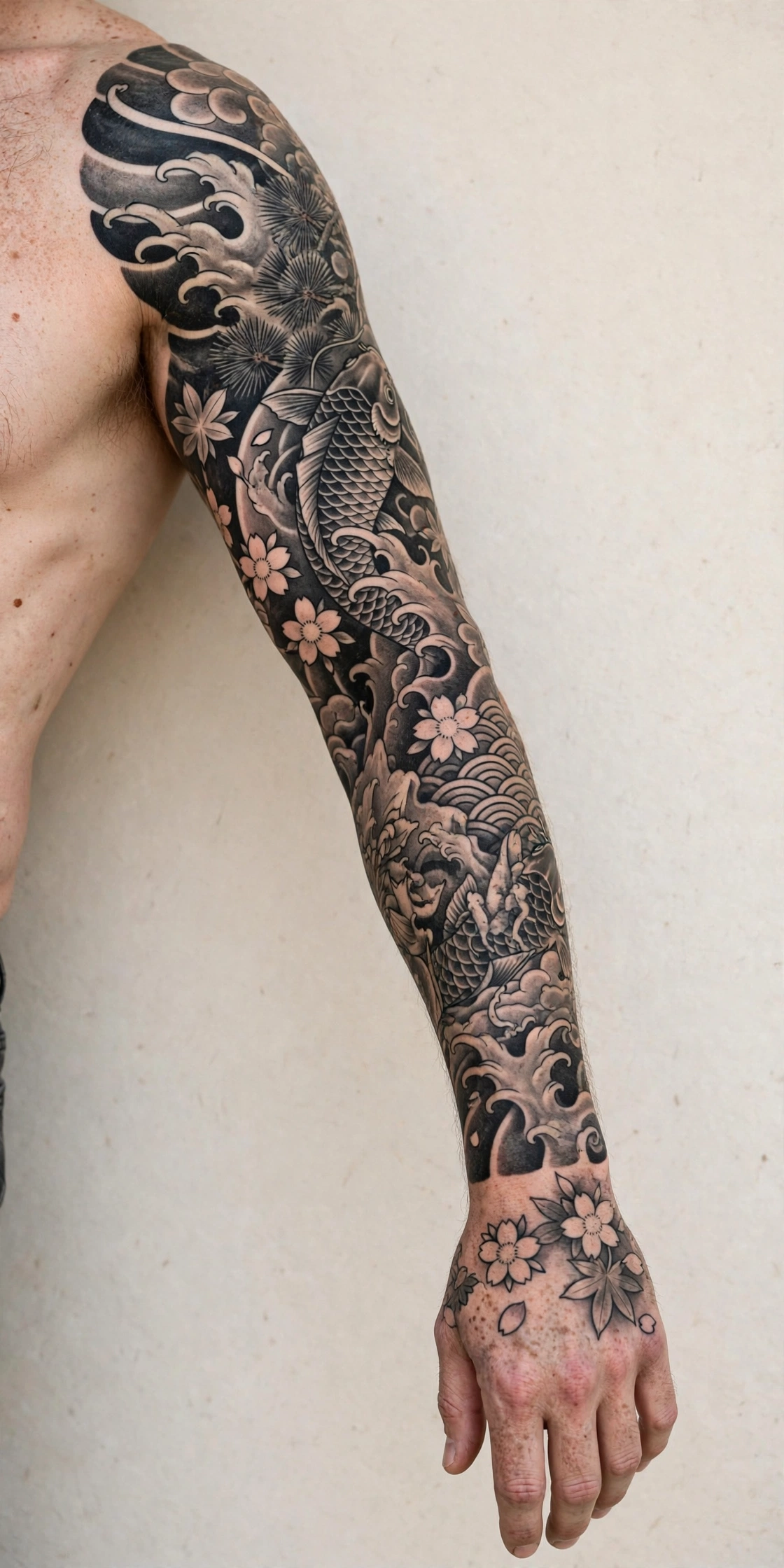 28 StylesFree to Start
No Design Yet? Generate One First
The try on works best with a design you already love. Describe your idea to the design agent, generate a few directions in different styles, then bring the winner back here and wear it on your own photo.
Every generation is made fresh for your brief, and free tokens renew every month with no sign up. Compare styles side by side, then preview the strongest one at real size.
Built to Prevent Tattoo Regret
Honest sizing
Most tattoo regret is about size and placement, not artwork. A preview at real scale answers both questions before any money or skin is involved.
Private by default
The try on runs entirely in your browser. Your body photos are never uploaded, stored or shared, in this demo or later.
Artist-ready export
Export the finished preview as a PNG and send it to your artist. They see the design, the placement and the scale in one image.
Why Preview a Tattoo Before You Ink It?
Most tattoo regret is about placement and size, not the artwork itself. A design that looks perfect on a screen can feel too big on a wrist or lost on a back. A try on preview answers the two questions that matter: does this size feel like me, and does this placement work with my body and my clothes?
Use a clear photo in good light, with the body area flat to the camera where you can. Place the design, adjust size slowly, and look at it at arm's length, the distance other people will see it from. Try two sizes. The right one usually announces itself.
This 2D preview is honest about its limits. Skin curves, muscles move, and ink settles and softens as it heals. Treat the preview as a planning tool that gets you to a confident conversation with your artist, not as a photograph of the finished tattoo.
Frequently Asked Questions
How accurate is the preview?
It shows size, placement and general look accurately enough for planning. It cannot simulate skin curve, movement or healing.
Which photo works best?
A clear, unfiltered photo in good light, with the full body area visible and the camera straight on.
Is my photo stored?
No. The try on runs fully in your browser in this demo.
Can I share the preview?
Screenshot it and share with friends or your artist for feedback before booking.
See Your Tattoo Before You Commit
Pick a photo, place a design, and know, instead of guessing, how your next tattoo will look on you.
Start Your Preview